Monitoring & Observability: What Should Your System Monitor?
An outage at 3 AM that nobody notices. A creeping performance degradation that customers report first. Or a cloud cost explosion that only becomes visible on the next bill. Good monitoring prevents exactly that, but only if you monitor the right things.
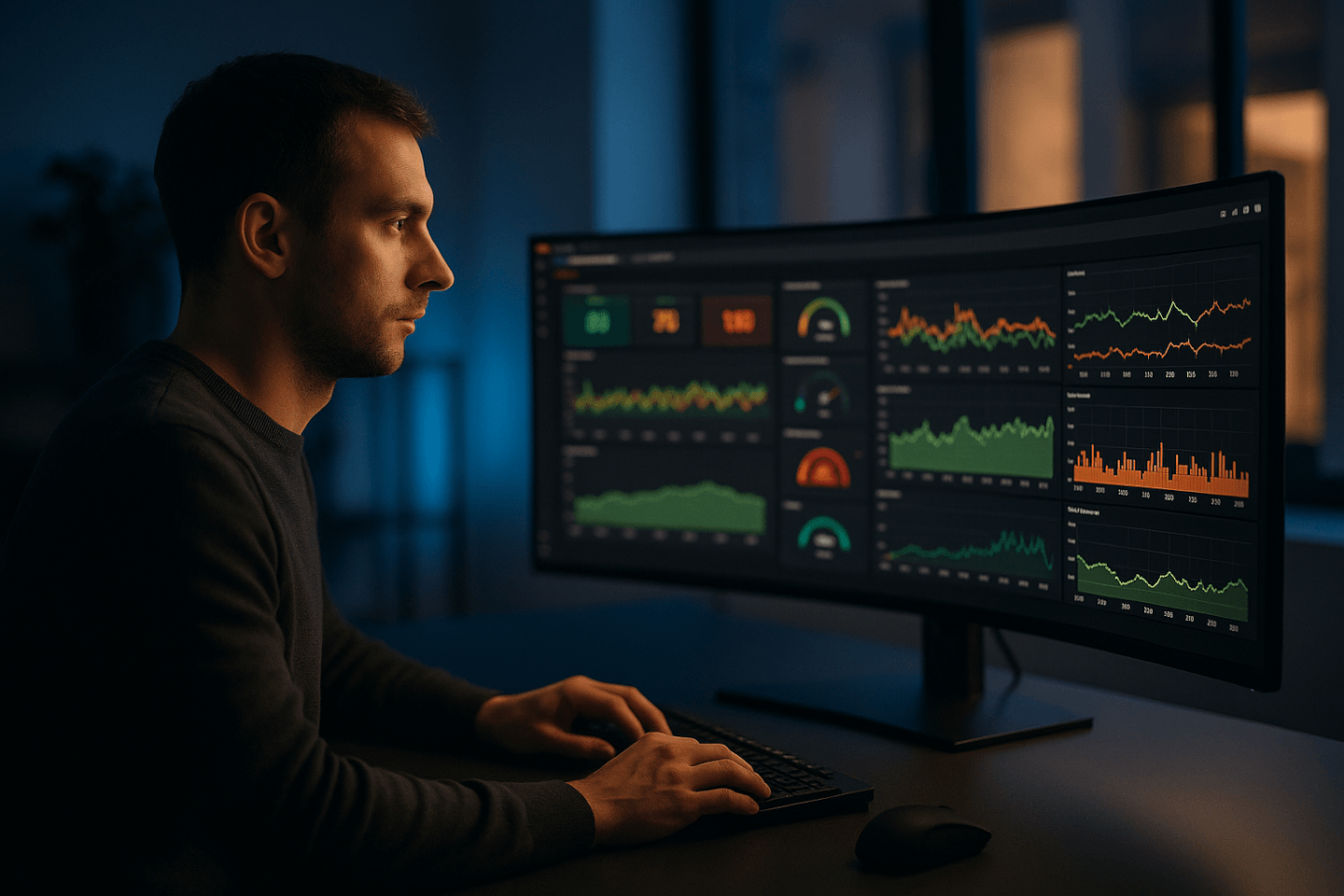
Monitoring vs. Observability, the difference
Monitoring answers the question: "Is my system running?" You define thresholds, CPU above 90%, response time above 2 seconds, disk full, and get alerted when any of these occur. Monitoring detects known problems.
Observability goes one step further and answers: "Why is my system behaving this way?" It's about gaining a complete picture from metrics, logs, and traces, even for problems you haven't previously defined. Observability helps with unknown problems.
In practice, you need both: monitoring as an early warning system, observability as a diagnostic tool. Monitoring tells you the patient has a fever. Observability tells you why.
The three pillars of Observability
Metrics
Numerical measurements over time, the pulse of your system. Show trends and enable alerting.
- CPU and RAM utilization
- Response times and latency
- Error Rates and HTTP status codes
- Request Throughput
Logs
Text-based records of individual events, the diary of your system. Indispensable for error analysis.
- Application Logs (errors, warnings)
- Audit Logs (Who did what and when?)
- Access Logs (requests and queries)
- Infrastructure Logs (system events)
Traces
The path of a request through all services, the map of your system. Shows where things get stuck.
- Distributed Tracing across services
- Request flow and dependencies
- Bottleneck and latency analysis
- Service Dependency Mapping
What you should monitor at a minimum
Don't measure everything that's measurable, measure what helps you detect problems before your customers notice them.
Infrastructure
- CPU utilization, consistently above 80% indicates bottlenecks
- RAM usage, detect memory leaks before OOM kills strike
- Disk utilization, full disks are the most common preventable cause of outages
- Network throughput and latency between services
Application Health
- Response Time, P50, P95, and P99, not just averages
- Error Rate, percentage of 5xx responses in total traffic
- Throughput, requests per second, to detect load spikes
- Queue Depth, are jobs piling up or being processed promptly?
Business Metrics
- Conversion Rate, a sudden drop indicates technical problems
- Orders and transactions, detect outliers immediately
- Revenue Monitoring, revenue as the ultimate health indicator
Security & Costs
- Failed Logins, detect brute force attacks early
- Traffic anomalies, unusual access patterns indicate attacks
- Cloud Spend, daily cost overview to avoid budget surprises
- Resource utilization, oversized instances cost unnecessary money
Tool comparison: What fits your needs?
| Criterion | Grafana Stack | Datadog | AWS CloudWatch | ELK Stack |
|---|---|---|---|---|
| Type | Open Source, Self-Hosted | SaaS, All-in-One | AWS-native, managed | Open Source, Self-Hosted |
| Costs | Low, only infrastructure costs | High, per host and feature, expensive at scale | Moderate, pay-per-use, costs increase with data volume | Low to moderate, infrastructure for Elasticsearch required |
| Setup effort | Medium, configure Prometheus, Grafana, Loki individually | Low, install agent, done | Low, natively integrated in AWS | High, cluster setup, tuning, index management |
| Scalability | Good, with Thanos/Mimir also suitable for large setups | Very good, SaaS scales automatically | Good, within the AWS ecosystem | Good, but requires cluster management |
| Learning curve | Medium, PromQL and Grafana dashboards require familiarization | Low, intuitive interface | Low, but limited functionality | High, Elasticsearch queries and Kibana are complex |
| Strength | Flexibility and community, adaptable to any setup | All from one source, Metrics, Logs, Traces, APM | Seamless AWS integration without additional infrastructure | Log analysis and full-text search, unbeatable for large log volumes |
When does professional monitoring pay off?
Basic monitoring is sufficient when ...
For simple setups with few services, basic health checks and uptime monitoring are often sufficient.
- You operate a single application with few components
- A few hours of downtime are tolerable
- No regulatory requirements for availability
- Few users and low traffic
Professional setup pays off when ...
As soon as outages become business-critical or the architecture grows, you need more than uptime checks.
- Multiple services or microservices communicate with each other
- Every hour of downtime noticeably costs revenue
- SLAs with customers or partners need to be met
- Cloud costs become hard to track and you suspect optimization potential
Common monitoring mistakes
Setting up monitoring is the first step. Doing it right is the harder part. We see these mistakes regularly.
- Alert fatigue, too many alerts that nobody takes seriously anymore. Every alert should have a clear action instruction.
- Dashboard graveyard, dozens of dashboards that are never looked at again after creation. Less is more.
- No runbooks, the alert fires, but nobody knows what to do. Every alert needs a documented procedure.
- Only infrastructure, no business metrics, the servers are running, but conversions have plummeted. Without business monitoring, you notice too late.
- Monitoring without context, a CPU at 95% can be normal or a problem. Without a baseline and context, metrics are worthless.
- Not monitoring the monitoring itself, if Prometheus goes down and nobody notices, you don't have monitoring.
Our Honest Conclusion
Monitoring is not a project with an end date, it's a practice that grows with your system. Start small, with the metrics that truly matter: Is the application reachable? How fast does it respond? Are errors occurring? Do the business numbers check out?
The most common mistake is not too little monitoring, but too much of the wrong kind. A hundred dashboards nobody looks at are worse than five good alerts with clear runbooks. Start with what lets you sleep at night.
At devRocks, we prefer the Grafana Stack, not because it's the easiest, but because it offers the greatest flexibility and carries no vendor lock-in risks. For teams that want to start quickly, Datadog can be the more pragmatic entry point. What matters is not the tool, but that you start at all.
Further Reading
Frequently Asked Questions
What is the difference between monitoring and observability?
Monitoring shows you THAT something isn't working, via predefined metrics and thresholds. Observability shows you WHY something isn't working, through the combination of metrics, logs, and traces. Monitoring answers known questions, observability helps with unknown problems.
Which tools are suitable for observability?
Common open-source tools include Prometheus and Grafana for metrics, Loki or Elasticsearch for logs, and Jaeger or Tempo for traces. Commercial solutions like Datadog, New Relic, or Dynatrace offer everything from one provider. The choice depends on budget, team competency, and infrastructure complexity.
What are the three pillars of observability?
The three pillars are metrics (quantitative measurements like CPU utilization or response times), logs (textual records of events), and traces (tracking individual requests across multiple services). Only the combination of all three enables true observability.
When is simple monitoring sufficient?
For monolithic applications with few components, classic monitoring is often sufficient. Once you operate microservices, distributed systems, or cloud infrastructure, observability becomes necessary, because errors occur across service boundaries and cannot be diagnosed with monitoring alone.
What does an observability stack cost?
Open-source stacks (Prometheus, Grafana, Loki) are license-free but require operational effort and expertise. Commercial SaaS solutions typically cost €500–5,000/month depending on data volume and hosts. The biggest cost factor is often not the tooling but the time for implementation and team enablement.
Looking for a monitoring strategy?
We analyze your existing setup, identify blind spots, and help you build monitoring that truly works, without alert chaos and dashboard graveyards.
Get free advice